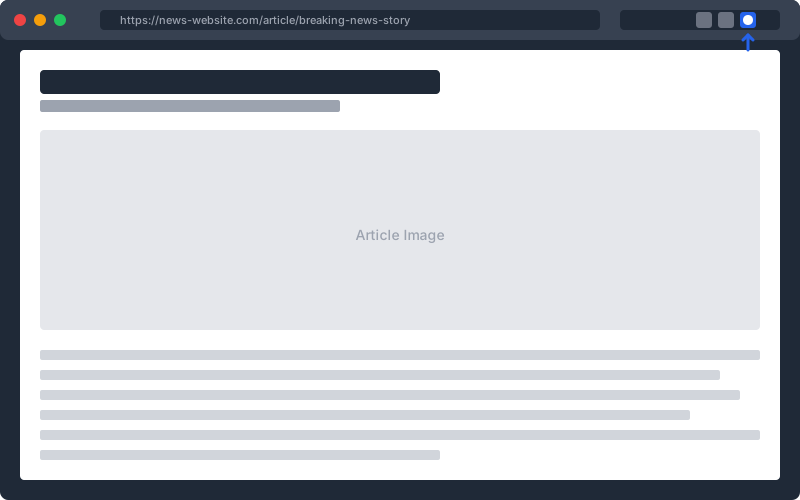
Read news articles on your favorite sites. The Echochamber extension sits quietly in your browser toolbar, ready when you need it.
2
Click the extension
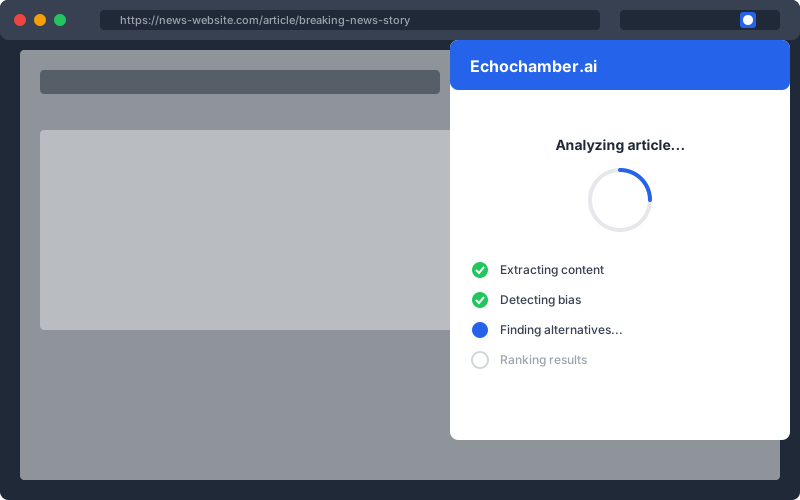
When you want to explore different perspectives on a story, click the Echochamber icon. The extension analyzes the article and detects its political or ideological bias.
3
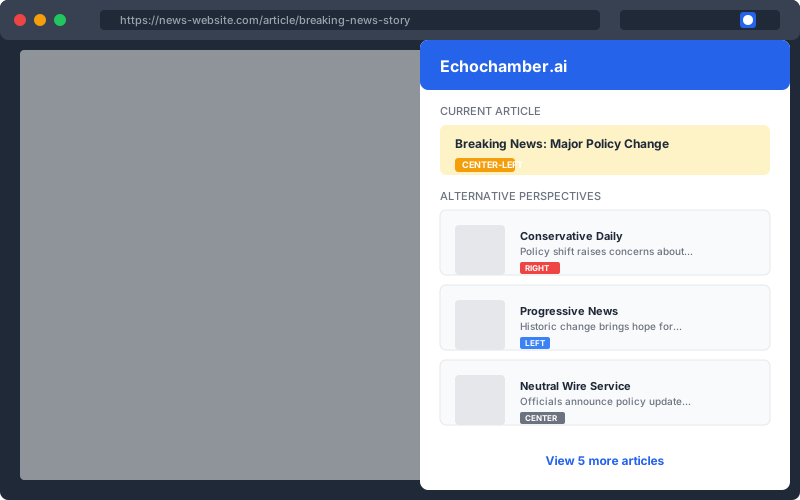
Discover alternative perspectives
Instantly see related articles covering the same story from sources with different viewpoints. Break out of your filter bubble and understand how different outlets frame the same events.
Get Early Access
Echochamber is currently in beta. Enter your email to get access to the extension and help us improve it with your feedback.
We'll only use your email to send you updates about Echochamber. No spam, ever.
You're in!
Thanks for joining the beta. Download the extension below.